One stream to every platform
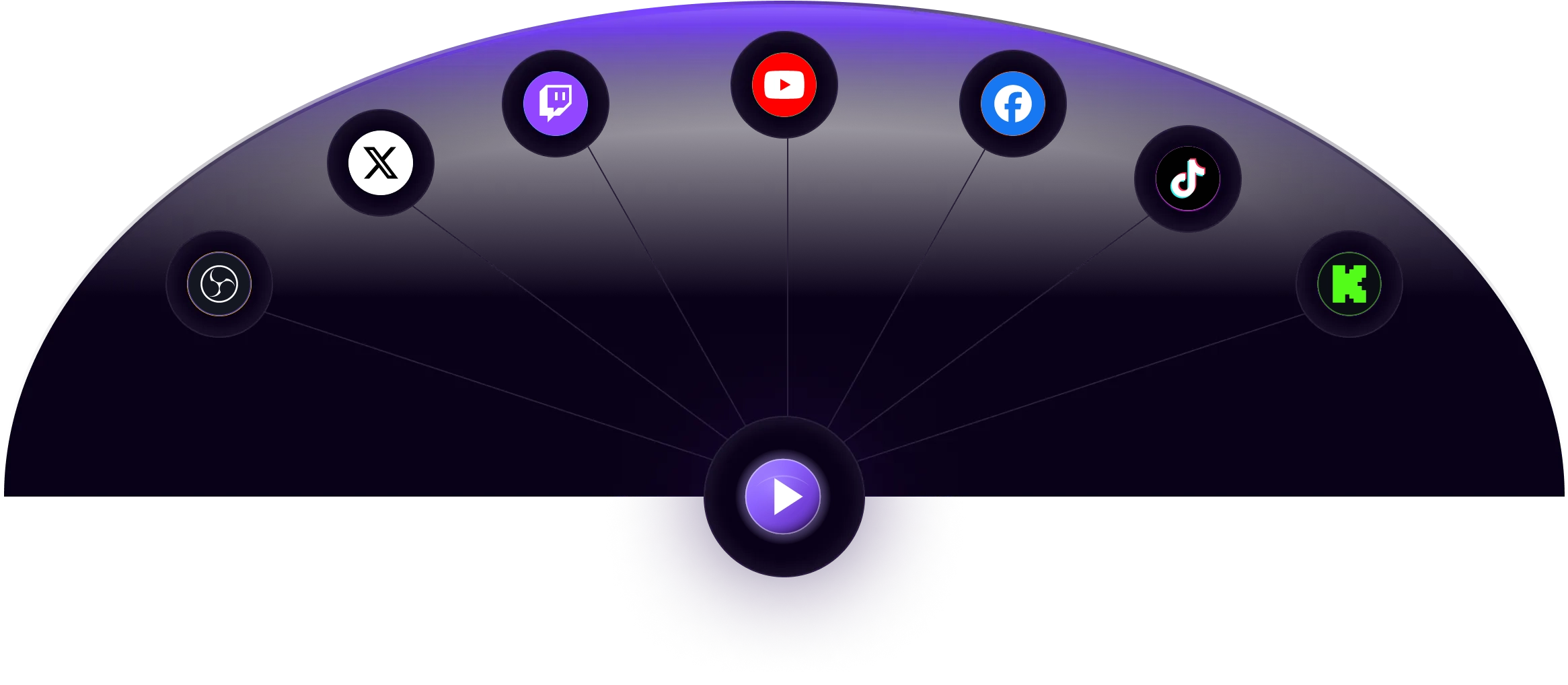
Without a relay, every destination needs its own copy of your stream from your own connection. With a cloud relay your encoder uploads one stream and we make the copies, so one stream's worth of upload bandwidth is enough.
Run a single output from OBS Studio, vMix, Wirecast or a hardware encoder instead of several, and keep CPU and GPU headroom for your game, scenes and graphics.
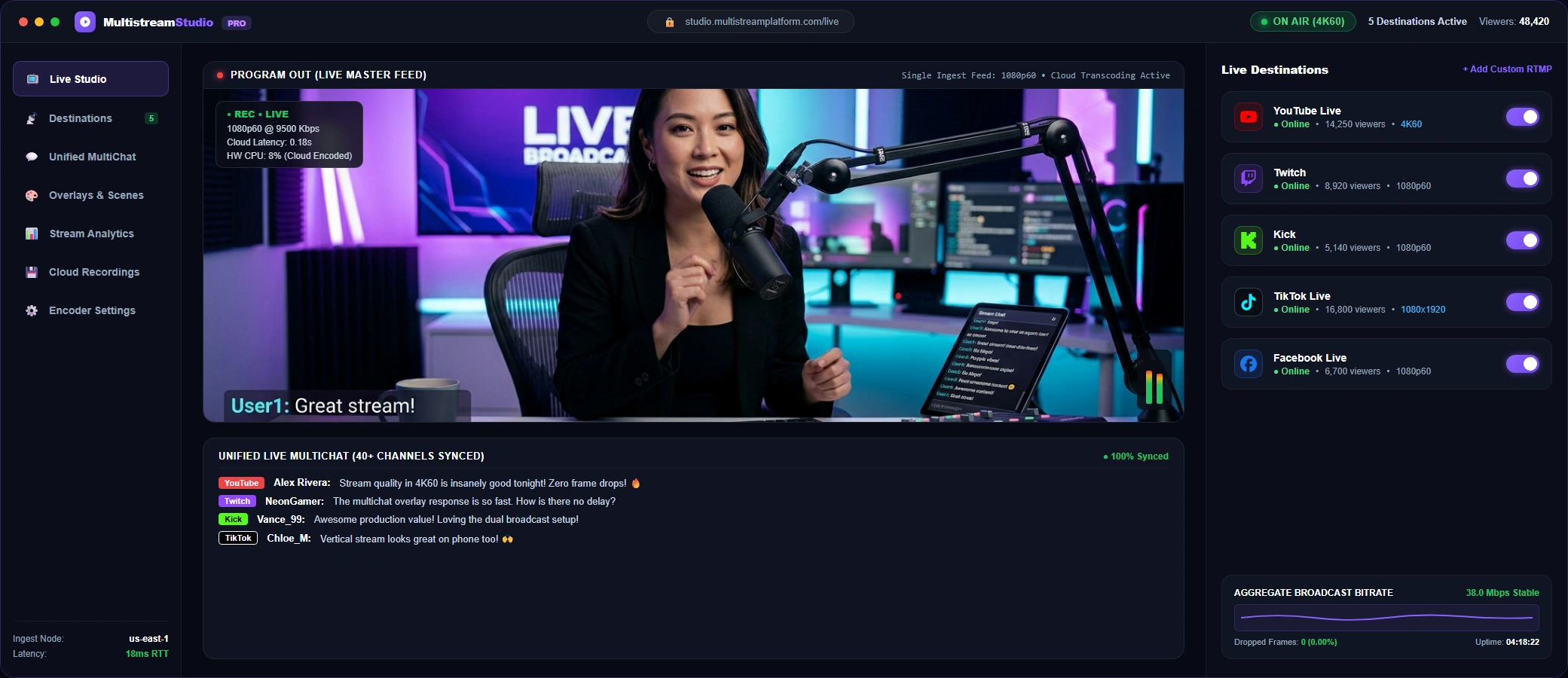
Set up destinations, read chat from several platforms, schedule broadcasts and keep recordings together instead of juggling a browser tab per platform.
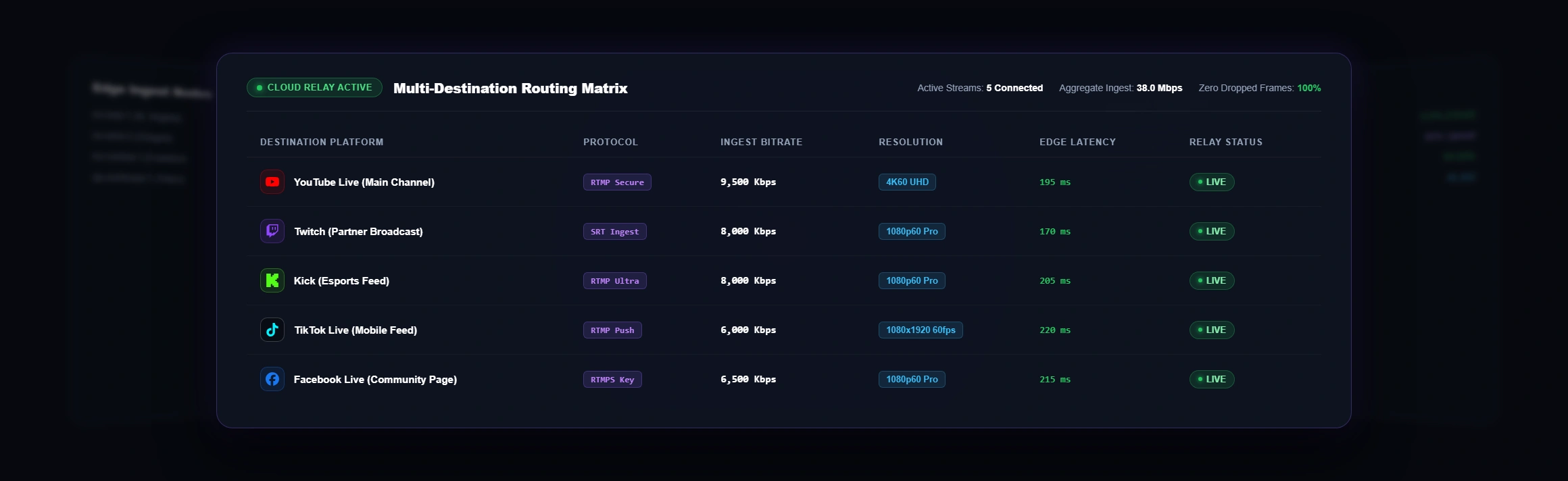
See how one stream fans out to many destinations

How it works in 3 steps
Connect YouTube, Twitch, Facebook, Kick or TikTok with OAuth, or paste a server URL and stream key for any platform or custom RTMP or SRT endpoint.
In OBS Studio, vMix, Wirecast or a hardware encoder, enter your ingest URL (RTMP or SRT) and stream key, and pick the edge location nearest you.
Press Go Live a single time. We relay your feed to every enabled destination at the same time, while you watch status, chat and recordings in one dashboard.

Who Multistream Platform is for
Grow on YouTube, Twitch, Kick and TikTok at once without running a separate encoder for each, and read all the chats in one window.
Send a Sunday service or community event to Facebook and YouTube together, schedule it ahead of time, and keep a recording for people who missed it.
Ingest once from your production switcher and relay to the platforms and partner endpoints that carry your tournament or league.
Run webinars, town halls or live classes on several platforms, or schedule pre-recorded sessions and 24/7 loops that run without your computer.
Everything you need to multistream
Send one stream to 40+ platforms and to custom RTMP or SRT endpoints at once, with titles and descriptions managed from one place.
Use whichever protocol your encoder supports. RTMP is accepted by nearly every encoder; SRT is built to hold up on unreliable networks.
Read messages from YouTube, Twitch, Facebook, Kick and TikTok in one window, or add the chat overlay to OBS as a browser source. How multichat works.
Archive your broadcasts to cloud storage so you can download or republish them as on-demand video. Recording hours depend on your plan.
Upload MP4 files, schedule exact start times, or loop a playlist to run a 24/7 channel without leaving your computer on.
Watch bitrate, audio levels and network jitter in real time so you can spot problems while you are still live.
Server-side downscaling and re-encoding for adaptive resolution output, so your own machine does not have to do the extra work.
Give producers and studio staff their own seats with role-based permissions. The number of seats depends on your plan.
Trigger and automate broadcasts programmatically with a REST API, webhooks and SDKs. API access is included on the Business plan.
Start free, upgrade when you need more
One source stream, every destination
Popular guides and free tools
Frequently Asked Questions
Straight answers about how multistreaming works, what it needs and what it costs.
Ready to stream everywhere?
Bring your live, hosted, and pre-recorded streams into one platform.